PCG facade and prop recipes
A street of buildings
SA Get Road Edges → SA Edge Placer → Static Mesh Spawner (By Attribute: SA_Mesh)
The scalable way to fill a city. Author a few buildings with Spline Architect, convert each to a static mesh, and put those meshes in the Edge Placer's Mesh Pool with weights.
Set Fill = Packed so each building advances the placement by its own real width, Facing = Away From Edge so they front the street, and a Lateral Offset to hold them off the kerb. Differently sized buildings then line the street without gaps or overlaps.
Branch on SA_LotZone first to give each district its own pool. Keep SA Spawn Building for the hero buildings the camera gets close to.
Facade attachments
SA Get Facade Frames
  → Filter Attribute Elements
  → Transform Points / Extents Modifier
  → SA Pick From Pool
  → Static Mesh Spawner (By Attribute: SA_Mesh)
Use Per Segment U distribution to prevent a cell crossing a corner. By Spacing creates fitted vertical cells; Per Floor Row creates one row at a selected fraction of each floor. Exterior/Interior follows final closed-path winding; open paths fall back to Both.
Useful filters:
SA_FloorIndex > 0for upper-floor signs or balconies;SA_NormalizedUranges to avoid corners;SA_FacadeFace == ExteriorandSA_WallSidefor orientation-specific assets;SA_PresetorSA_WallIdto target one layer of a Building.
Facade frames intentionally do not exclude openings. Filter cells by your own semantic rules or author a mask branch when doors/windows must be avoided.
Tagged Building pools and pieces
Author broad classification on Building Presets (Small, Residential, Industrial) and layer-specific classification on Wall Presets (BaseFloor, Facade, Trim).
Lot Footprints
  → SA Spawn Building
      Preset Source: Random From DataTable
      Filter Terms: Residential, Small
      Term Match Mode: All
The node chooses uniformly from the matching Building rows and repeats for fixed graph/footprint seeds. Leave Filter Terms empty for the complete table; switch to Any for a broader union. Row-name substring matching is controlled separately by Include Row Names.
For individual generated pieces:
SA Spawn Building (Generated)
  → Array Contains (SA_PresetTags contains BaseFloor)
  → Attribute Filter
  → Static Mesh Spawner
For complete generated outputs, use Filter Data By Tag with a top-level Building tag such as Small. Building actors carry only Building tags; their generated components carry Building tags plus the precise Wall tags that produced them.
Lamps along a road
SA Get Road Edges → SA Edge Placer → Static Mesh Spawner
Set Edge Placer to Right or Left, Facing = Away From Edge, Fill = Fixed Spacing, and enter lamp spacing in centimeters. The node uses exact mesh or collision bounds, including off-center pivots, so the prop's bounds face sits flush to the edge.
Mixed-size barriers
Use Fill = Packed and a weighted Mesh Pool. Placement advances by each chosen prop's true footprint plus Gap, so differently sized assets align without a shared placeholder length. Use Edge Sample Spacing small enough for tight curves.
Crosswalk stripes
SA Get Road Crossings → SA Edge Placer → Static Mesh Spawner
Each crossing is a short two-point spline across a road mouth and carries SA_RoadWidth and SA_ConfigIndex. Use those attributes to select stripe dimensions or materials by street type.
Alleys between sub-lots
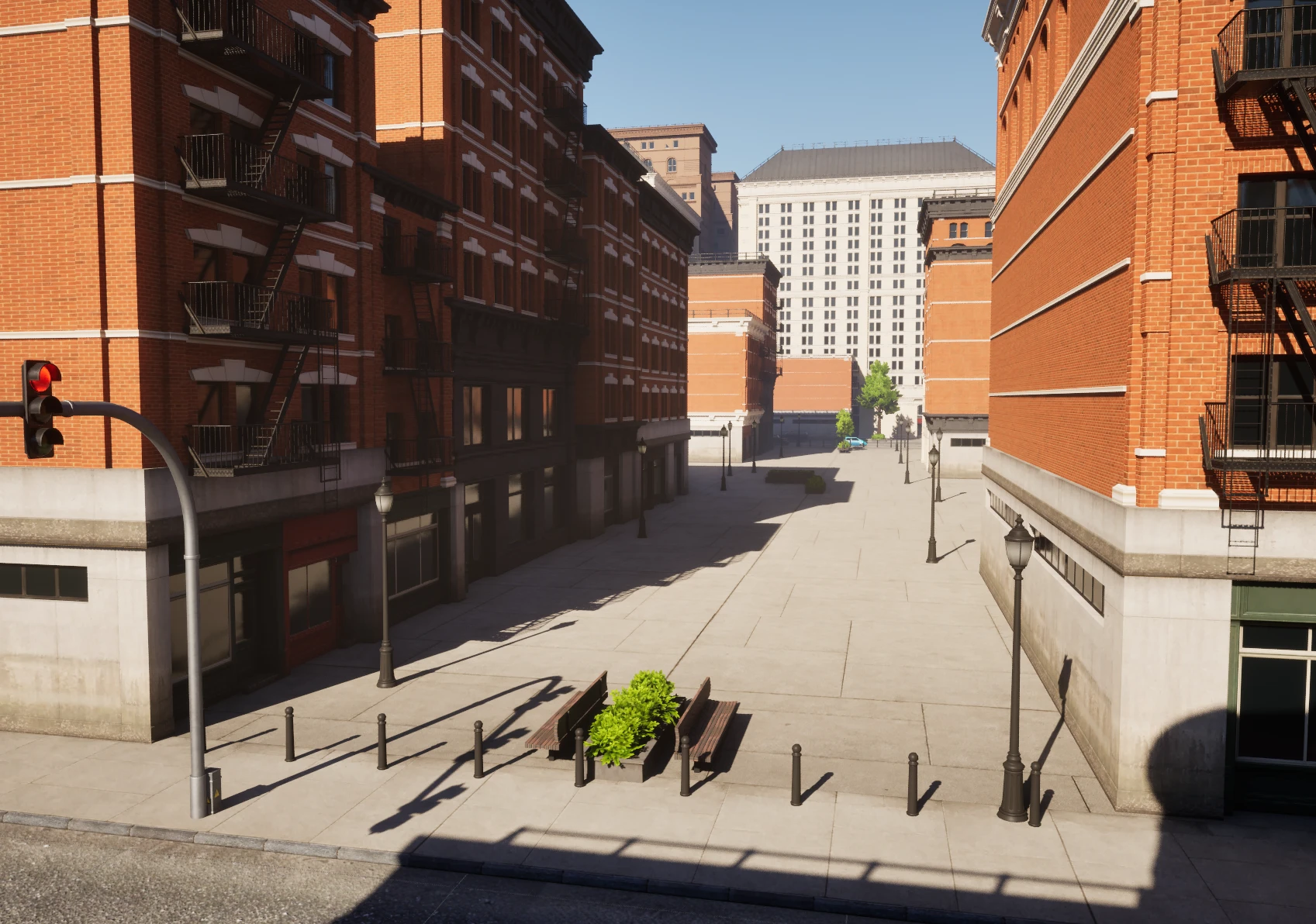
SA Subdivide Lots (Gap > 0) → Gap Outlines → SA Filter Spline Edges → SA Edge Placer
Give SA Subdivide Lots a Gap and each cut becomes an alley instead of a shared boundary. Gap Outlines emits the whole alley network as one closed shape whose points carry SA_TouchesBoundary: true where the alley opens onto the lot edge, false along its sides.
Feed that into SA Filter Spline Edges, which splits it into two sets of splines:
Unflaggedis the alley sides. Send it to SA Edge Placer with Facing = Toward Edge for hedges, fences, lanterns, or bins along the backs of the plots.Flaggedis the alley mouths. Send it to a second SA Edge Placer for bollards, a gate, or a change of ground material where the alley meets the street.
Wire Cut Lines to SA Landscape Patch's Paths in the same graph to sink the alley surface into the terrain, using the alley width as the Path Width.
Curb ramps at every junction
SA Get Intersections → SA Set Custom Piece (Apply To All In Range) → SA Spawn Wall (Custom Pieces)
Intersection points already carry their own footprint, so turn Apply Radius off and let the intersection's real shape be the reach. Turn Apply To All In Range on: a junction should give a ramp to every sidewalk running through it, not just the nearest one.
Leave Apply To All In Range off for pieces that must be unique in place, such as a gate in a fence run - otherwise one point puts a gate in every fence it touches.
Rooftop scatter
SA Sample Floor/Roof
  → Filter Attribute Elements (SA_IsTopFloor == true)
  → SA Pick From Pool
  → SA Prune Footprints
  → Static Mesh Spawner / Spawn Actor
SA Pick From Pool writes real local bounds. SA Prune Footprints compares their rotated plan-view hulls and ignores Z separation, which is better for sloped terrain or rooftop props than world-axis 3D AABBs.
Face props toward a sidewalk
Connect prop Points and a Road Edges/Centerlines output to SA Orient To Spline. Keep Yaw Only on for upright street furniture; choose the local axis that represents the asset's front and enable Aim Away if its back should face the road. Filter or scale by SA_DistanceToSpline downstream.