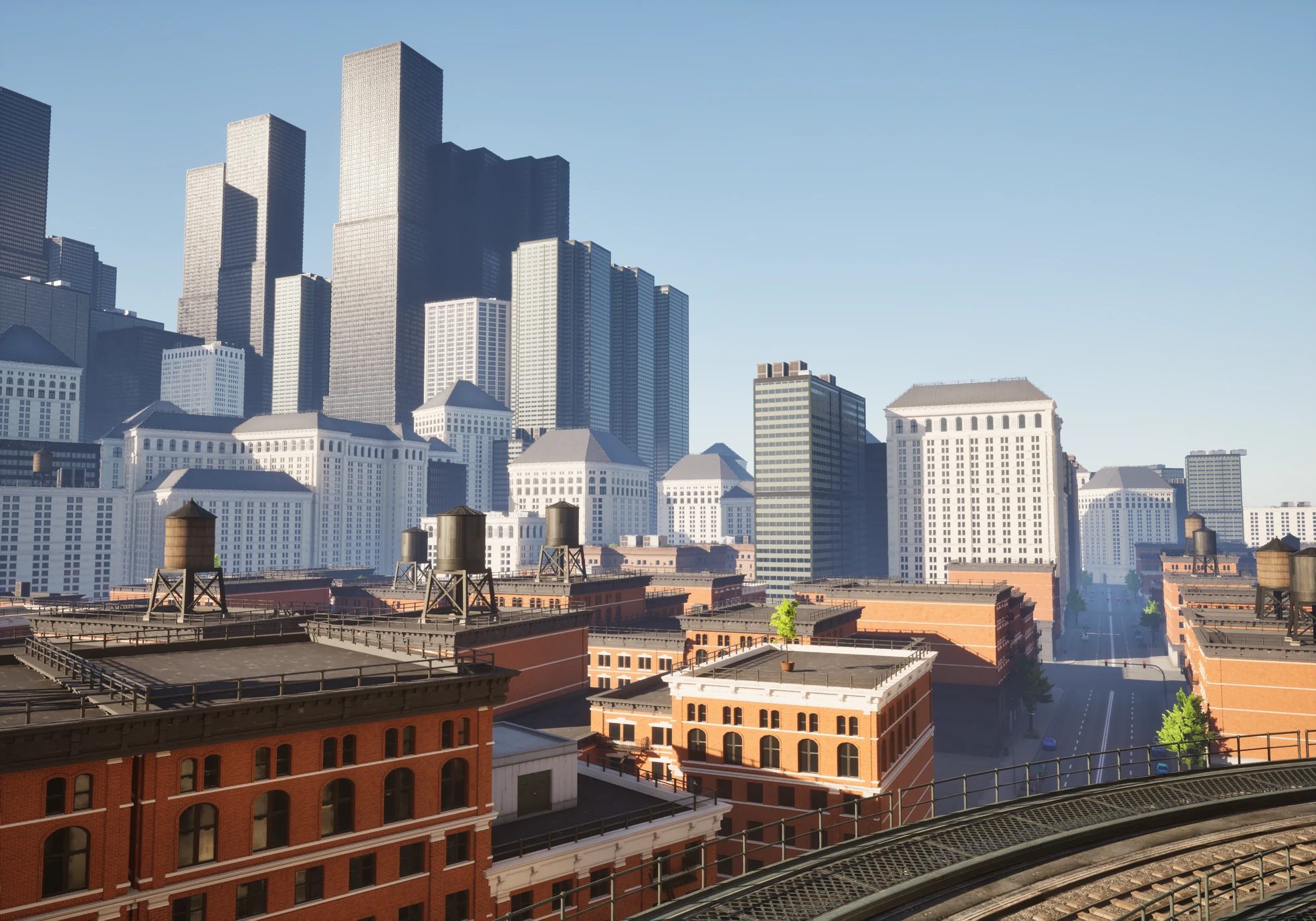

Streamline your level design
Unreal Engine Plugin Documentation
| Actor | Use it for |
|---|---|
| Wall | Modular pieces along one or more splines, including floors, roofs, posts, and stacked walls. |
| Building | A reusable hierarchy of Wall presets placed on a footprint. |
| Curve | Repeated or deformed meshes along a path: roads, rails, pipes, trims. |
| Streets Network | UE 5.8. Connected roads, intersections, lot boundaries, surfaces, and PCG-ready city data. |
| Lot Zone | UE 5.8. A closed area that tags Streets lots for PCG filtering. |
| Custom Piece | A door, arch, corner, gap, or child actor placed into a Wall. |
| Boolean | Subtract or cull overlapping generated output. |
How the workflow fits together
- Draw and edit paths in Architect Mode; use Streets Mode for road networks.
- Save the setups you want to reuse as presets, and browse them in the Preset Library.
- While you edit, the actor shows a live generated preview. When a design is ready, Bake Connected turns it into persistent geometry.
- If you later change a spline, preset, or seed, the affected output unbakes itself and shows the new preview - nothing stale survives. Look it over, then Rebake Connected.
- When you no longer need Spline Architect editing at all, convert or export the result to plain Unreal assets.
Step 4 is the one habit to learn: baking is a checkpoint you set deliberately, not a one-way door. The baked-first workflow page walks through it.
Runtime generation exists for gameplay that must build geometry during play. It is a different contract from editor authoring - see Runtime generation before choosing it.
Version scope
This guide shows UE 5.8. Wall, Building, Curve, Custom Piece, and Boolean also ship for UE 5.5–5.7; Streets, Lot Zone, and the SA PCG nodes are 5.8-only. The compatibility page has the full matrix.